Three tools I designed and shipped. Try them here.
I take my own ideas from the first sketch to the store listing. Each tool below has a working demo, and "How I built it" covers the decisions and the limits behind it.
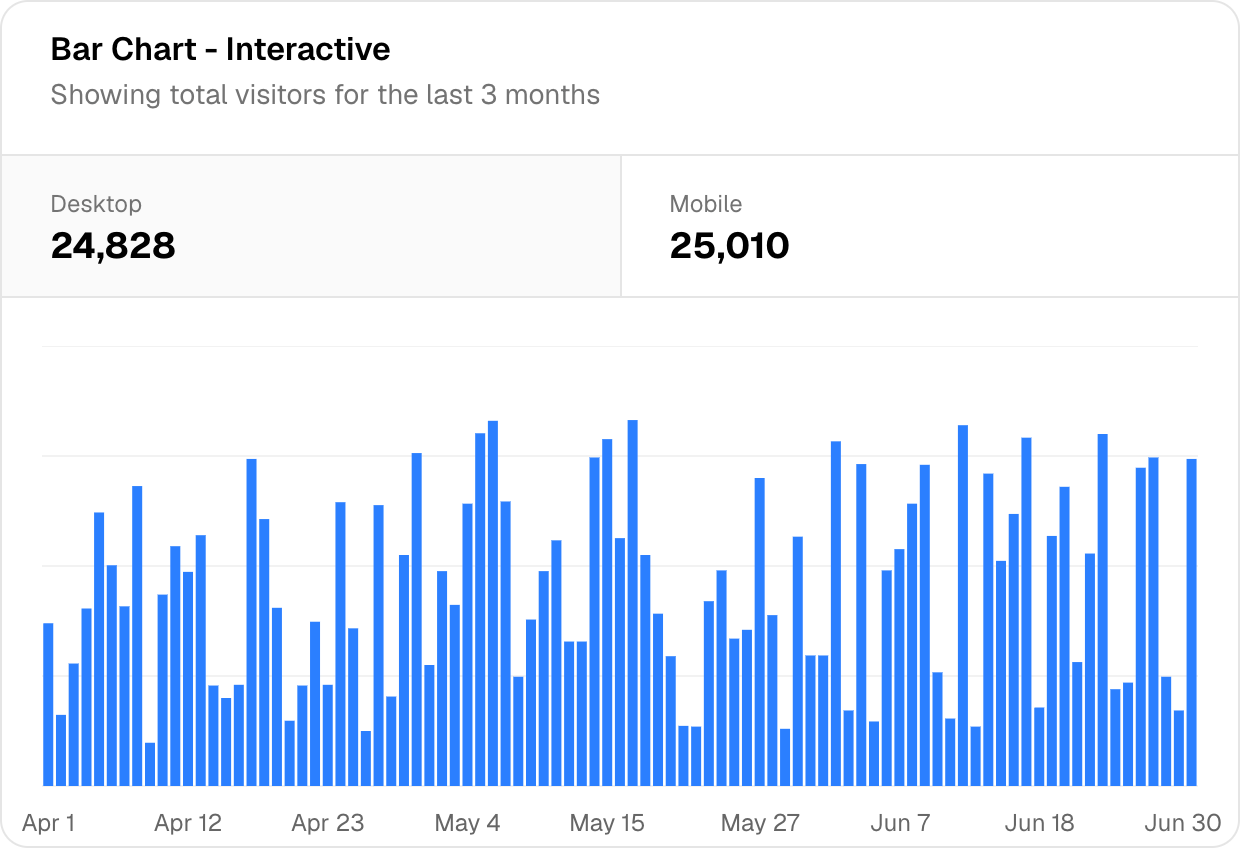
div[data-slot="card"] · 620 × 424 · CleanDemo · same looks as the real editor · capture of shadcn/ui
Live · Chrome extension
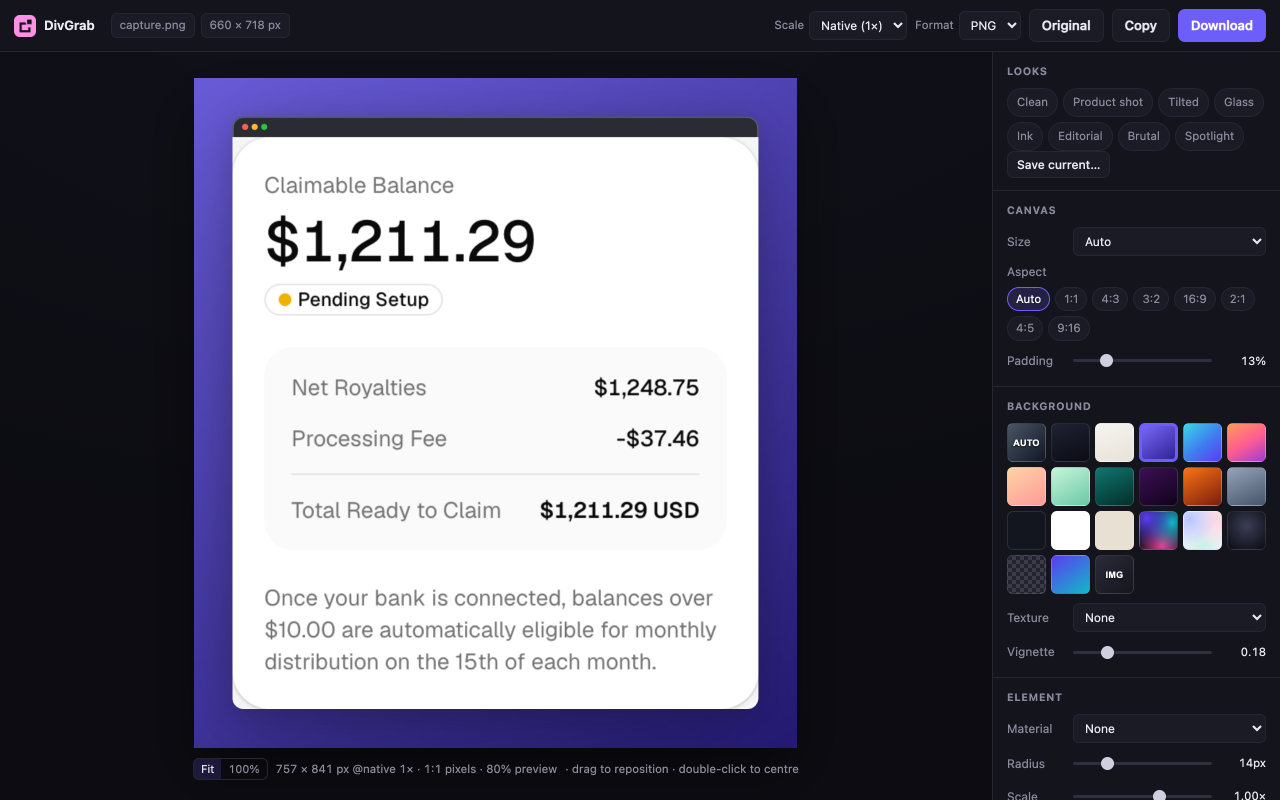
DivGrab
Grab any card, chart or section from a webpage exactly as Chrome draws it, then frame it for a post, a deck or a case study.
We redesigned the intake form after watching clinicians skip half the fields. The new layout groups questions in the order they're asked in the room. Completion went up dramatically1 after launch, and every clinician we spoke to loves it.
stet.1
1 · QuestionCompletion went up dramatically
Demo · select any words in the draft, pick a type
Live · Chrome extension
Stet
Select text on any page, tag it as an edit, question, removal or note, then export a revision brief for the AI chat that has the page in context.
I kept using the same pattern to review my own case studies: select a line, say what's wrong with it, and collect it all in one place for the rewrite.
Decisions
Every note gets a type (Edit, Question, Remove or Note), so the brief says what kind of change you want as well as where.
The export is a revision brief written for an AI chat. It quotes the exact wording and lists notes in page order.
It only touches a page when you click the icon. Drafts are saved on your device for each URL, and if the page text changes, the note is kept and marked as detached.
Limits, stated up front
It can't run on browser pages like chrome:// or the Web Store, because Chrome blocks scripts there.
It can't reach content inside sandboxed frames, such as artifact previews.
Drafts stay on one device and don't sync. Stet writes the brief, but it never sends it anywhere or edits the page itself.
The real panel: typed notes beside the page, saved as you go.
Chrome extension · Manifest V3 · JavaScript
Live · Web app
Visa Docs
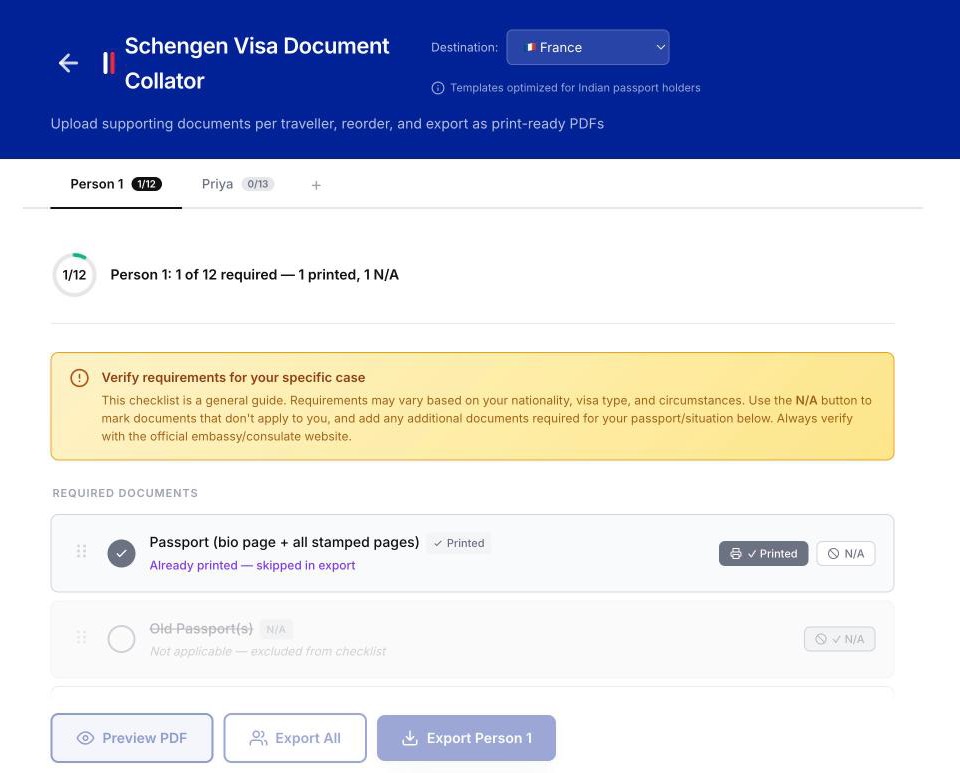
It turns the 12 or more documents a Schengen visa needs into one print-ready PDF per traveller, with a checklist for each person and nothing uploaded.
Bank statements come from email, insurance from one site and flights from another. Multiply that by everyone you're travelling with, and you're never sure you have everything until you're at the counter.
Decisions
Each traveller gets their own tab, with a checklist preloaded for the destination country and a progress ring.
Documents drag into the consulate's order. You can mark one Printed or N/A so it counts as done but stays out of the export.
Export merges PDFs and images into one A4 file with a cover page and section dividers. It all runs in the browser with pdf-lib, so passport scans never leave the device, and it works offline once loaded.
Limits, stated up front
The templates are tuned for Indian passport holders. The checklist is a general guide, and the app asks you to check the embassy's own list.
Country-specific requirements beyond the core checklist aren't in yet.
It counts anonymous events like "a PDF was exported", but never documents, their contents or file names.
 DivGrab
 Stet
Stet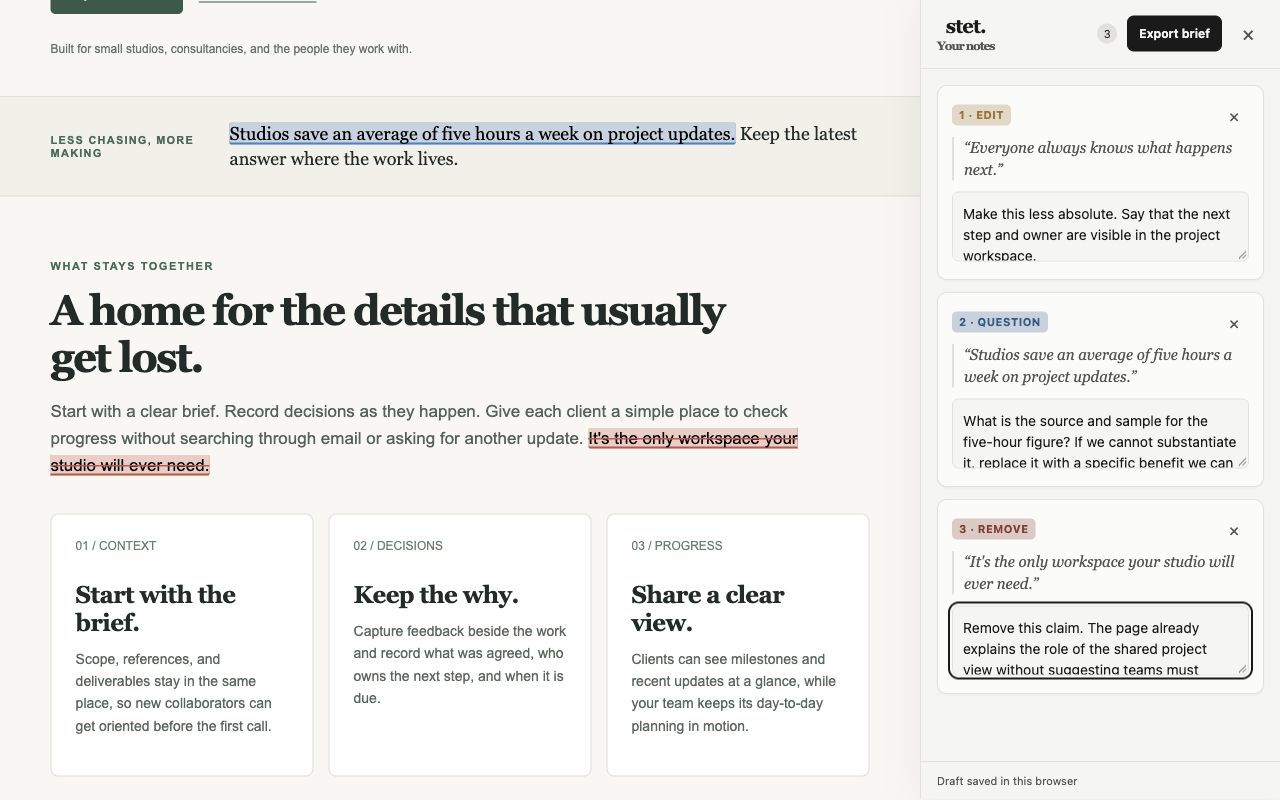
 Visa Docs